Strovent SystemsSign in
Strovent Systems

Terminal access to the systems that run your business

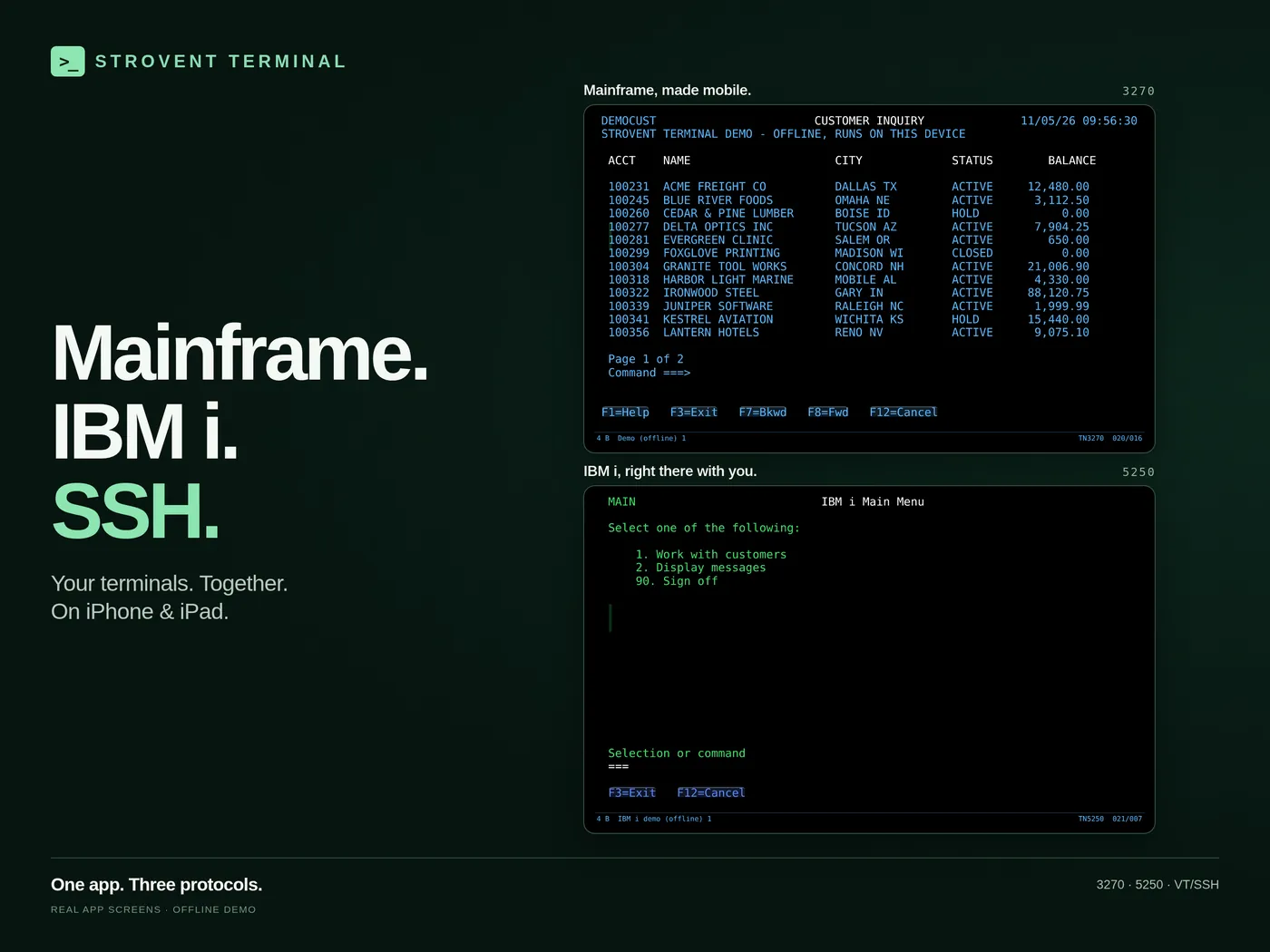
Strovent Terminal brings 3270, 5250 and SSH to iPhone and iPad, for IBM Z, IBM i and Unix or Linux hosts. It is built around the hardware keyboard, with scripts, printing, file transfer and an offline demo. We also build custom software around your core platforms.

Strovent Terminal on iPad showing a 3270 session and an IBM i session
Strovent Terminal

One app for every host you work on

Add a 3270, 5250 or SSH profile and connect. One app, one set of keyboard shortcuts, as many sessions as you need.

IBM Z mainframes

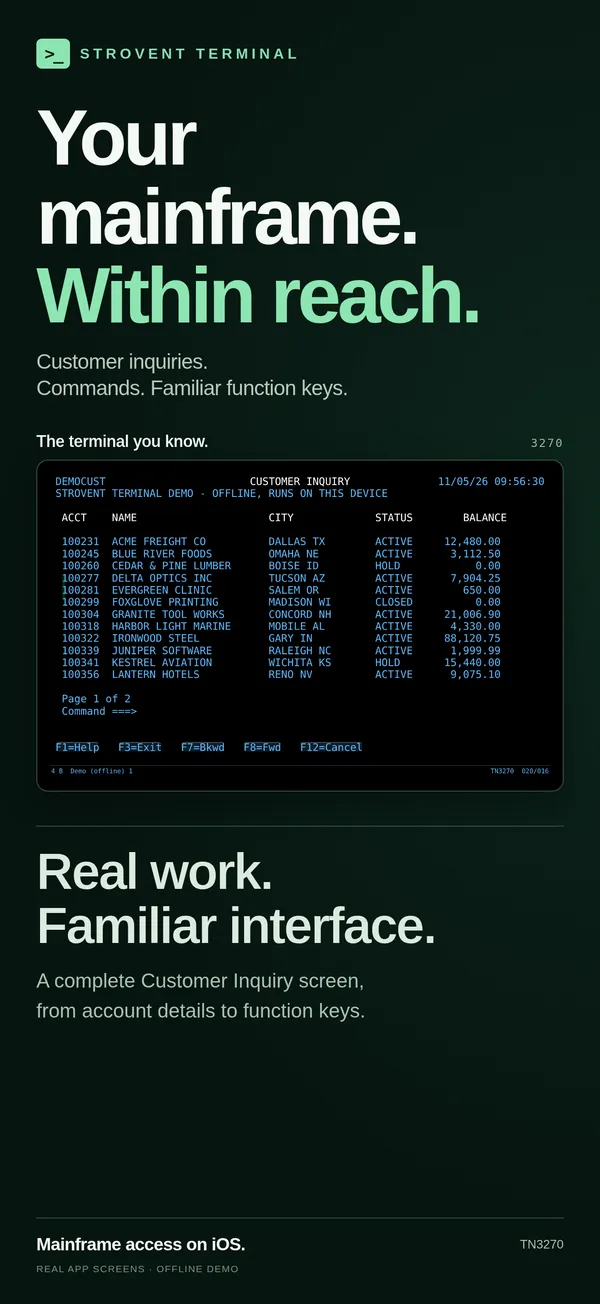
TN3270 and TN3270E over TLS, models 2–5, LU names and many EBCDIC code pages. F1–F12 send PF1–PF12.

Customer Inquiry screen on a 3270 session in Strovent Terminal

IBM i

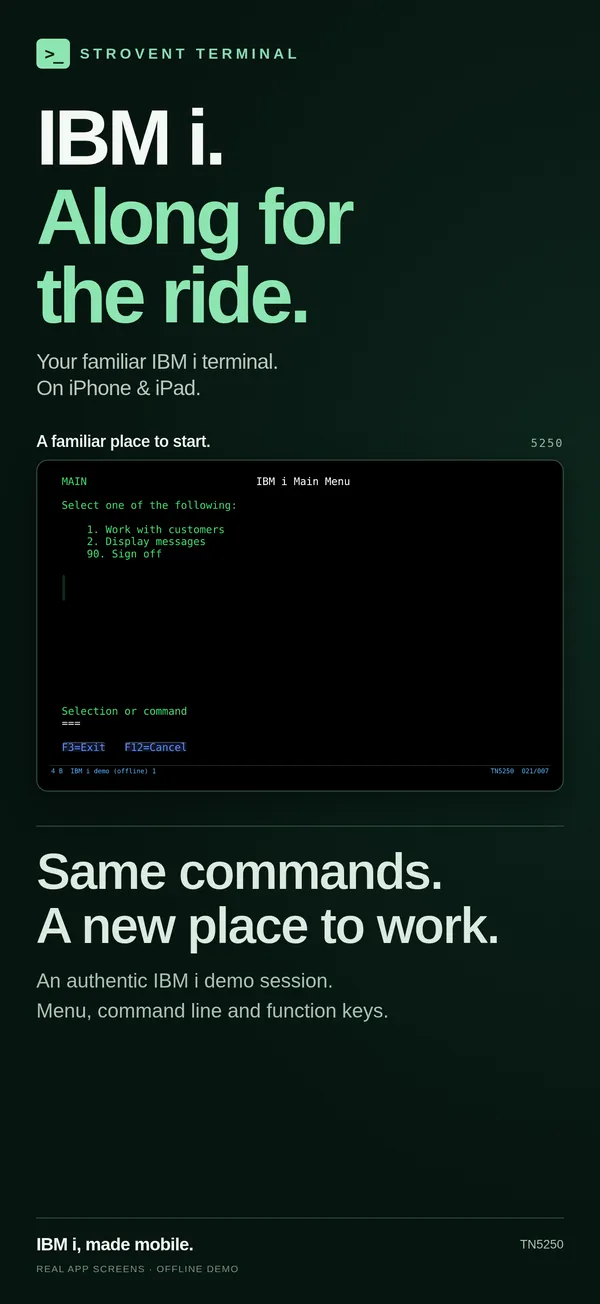
TN5250 and TN5250E at 24×80 and 27×132, with the command line and function keys you know.

IBM i main menu on a 5250 session in Strovent Terminal

Unix and Linux

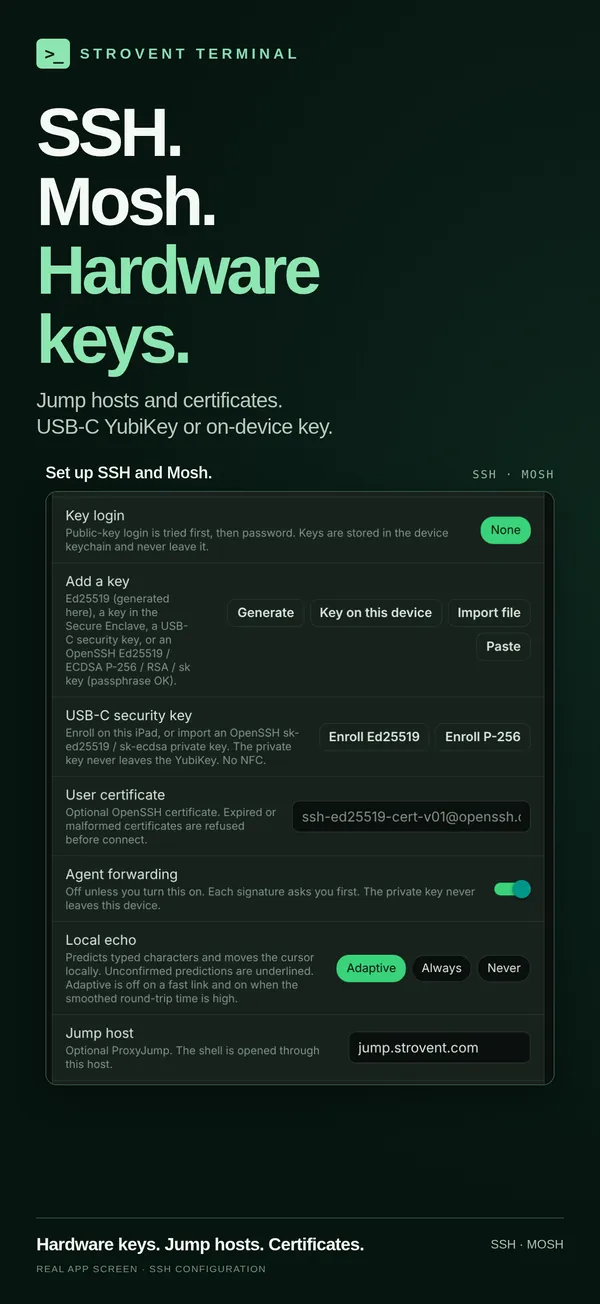
VT100, VT220 and xterm over SSH, Mosh or Telnet, with keys, certificates, jump hosts and USB-C YubiKey.

SSH and Mosh setup in Strovent Terminal
SSH and Mosh

A serious SSH client

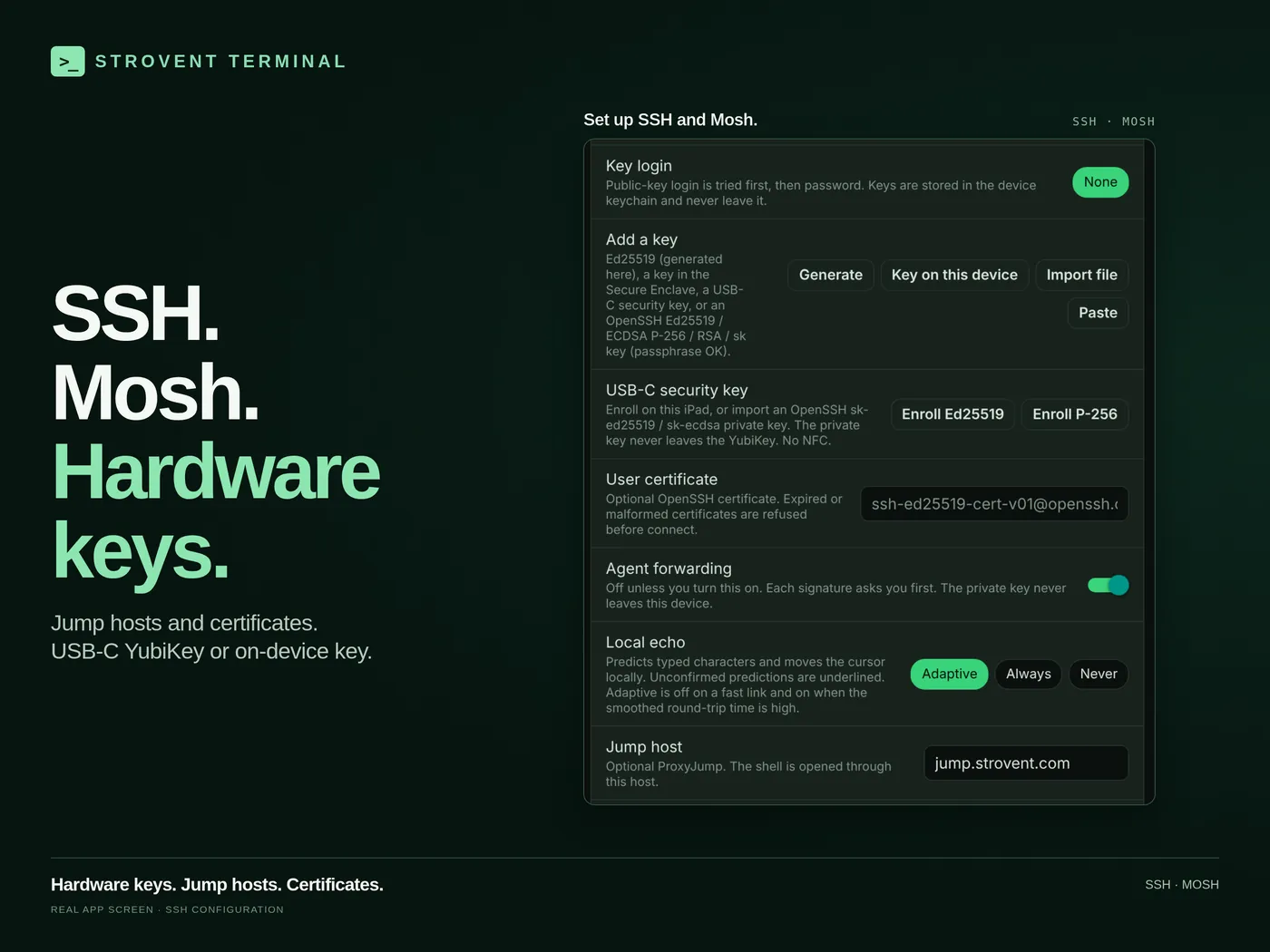
Keys, certificates, jump hosts, Mosh and fuller xterm support, so the same app that opens your mainframe session also covers your servers.

SSH and Mosh configuration screen in Strovent Terminal on iPad
Daily work

Built for people who live in a terminal

Hardware keyboard first

Shift+F-keys send PF13–24, Esc resets, and you can remap any key. Switch sessions with Ctrl+Tab.

Scripts and auto-connect

Record or write scripts for 3270, 5250 and VT, and open your profiles on launch. Passwords are asked for each time and never stored.

Printing and file transfer

TN3270E and TN5250E printer sessions, Print Screen to AirPrint or PDF, IND$FILE for 3270 and SFTP for SSH hosts.

Multiple sessions

Keep every host open in the sidebar and move between them from the keyboard.

Offline demo

Try everything on a built-in demo host, with no network and no host of your own.

Always fits

Crisp text in any orientation, Split View and Stage Manager, with pinch to zoom.
Strovent Terminal Enterprise · In development

Built for IT to deploy, manage and license at scale

A separate, free-to-download edition that only works after a company sign-in, with central control over seats, host configurations and scripts. Seat licensing starts at $49.00 per seat per year, with volume discounts.

Planned

Company single sign-on

Microsoft Entra ID, Google Workspace, Okta and other OpenID Connect or SAML providers.

Planned

IT admin portal

Add and remove seats, push host configurations and scripts, and lock settings from one web console.

Planned

MDM-ready

Designed so device-management tools such as Intune and Jamf can push configuration too.

Custom enterprise systems

Software built around your core systems

Beyond our own products, we build custom software for organizations: modern web and mobile front ends for IBM Z, IBM i and other core platforms, and the internal tools teams depend on.

Let’s talk about your environment

Questions about Strovent Terminal, early access to the enterprise edition, or a modernization project.