
Strovent SystemsSign in
Strovent Terminal

One terminal for IBM Z, IBM i and SSH hosts

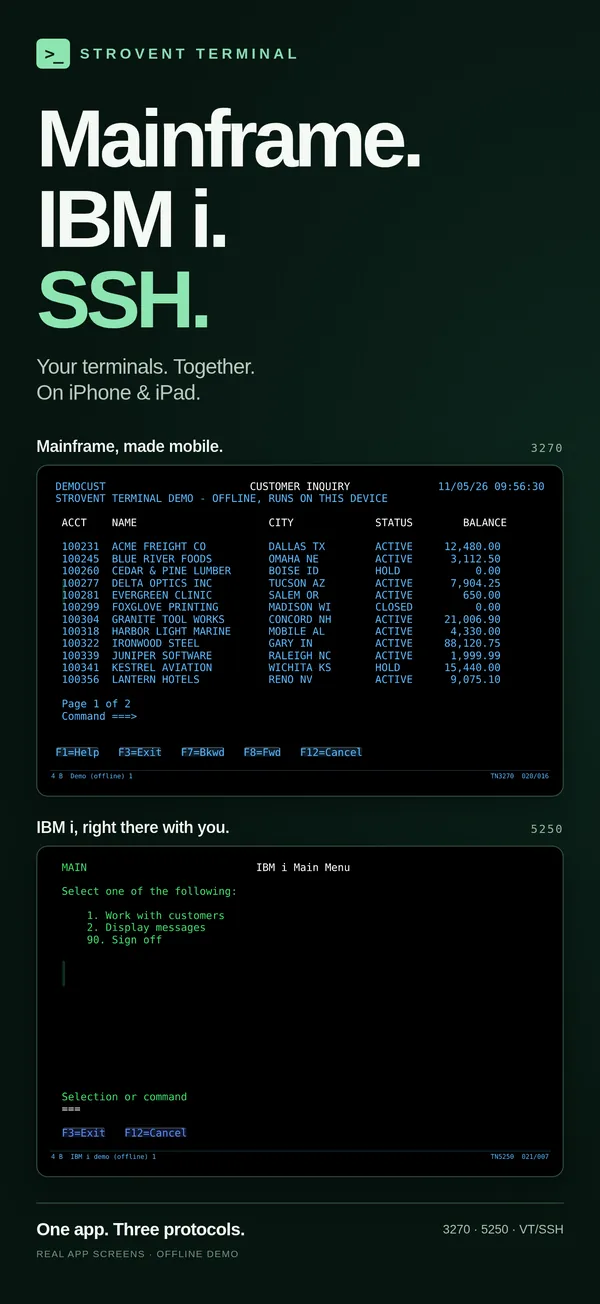
3270, 5250 and VT terminals for iPhone and iPad. Hardware keyboard first, with scripts, printing, file transfer and an offline demo.

Formerly Greenscreen 3270.
Download on the App StoreGet it on Google Play
Strovent Terminal on iPad showing a 3270 session and an IBM i session
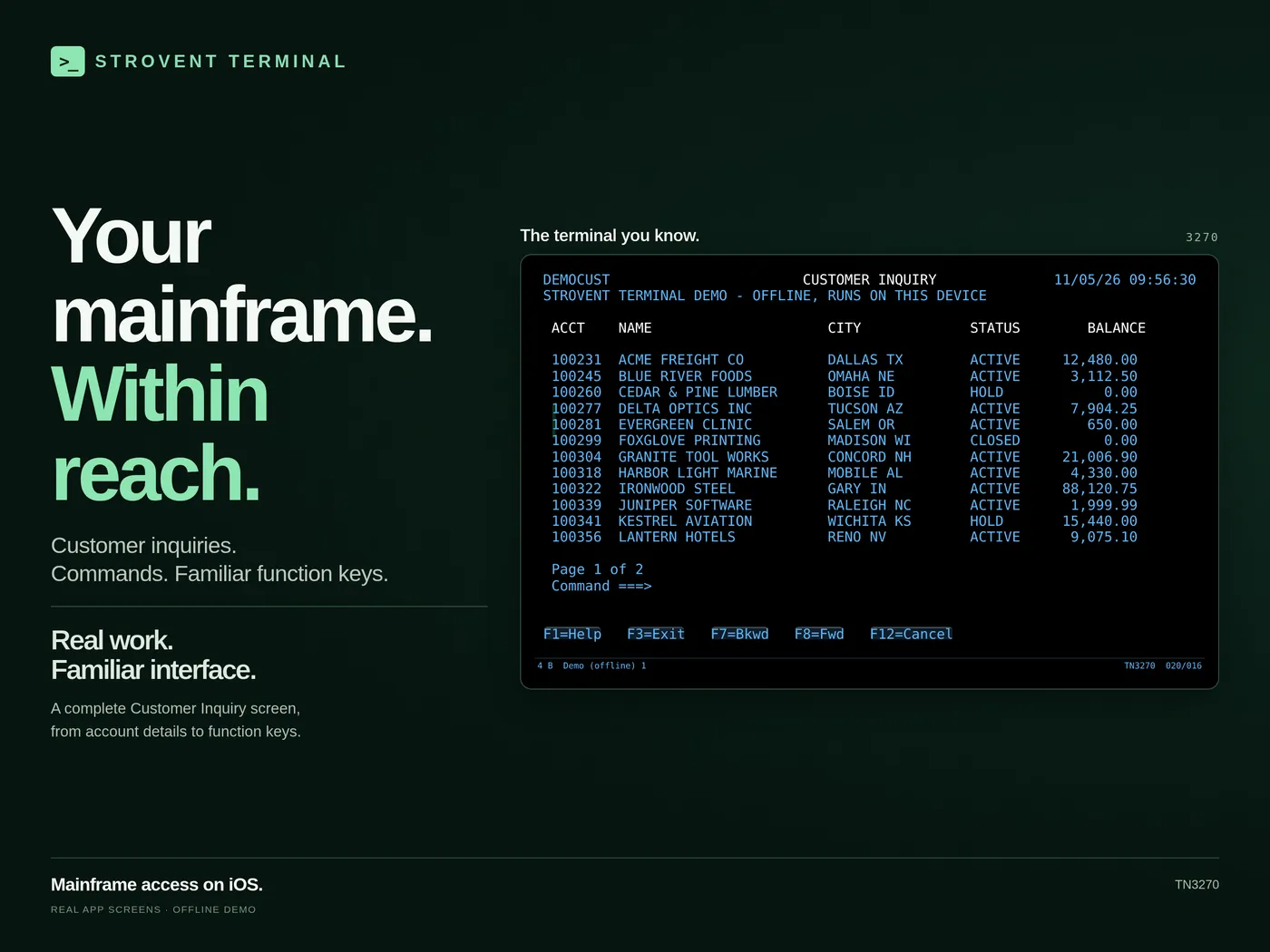
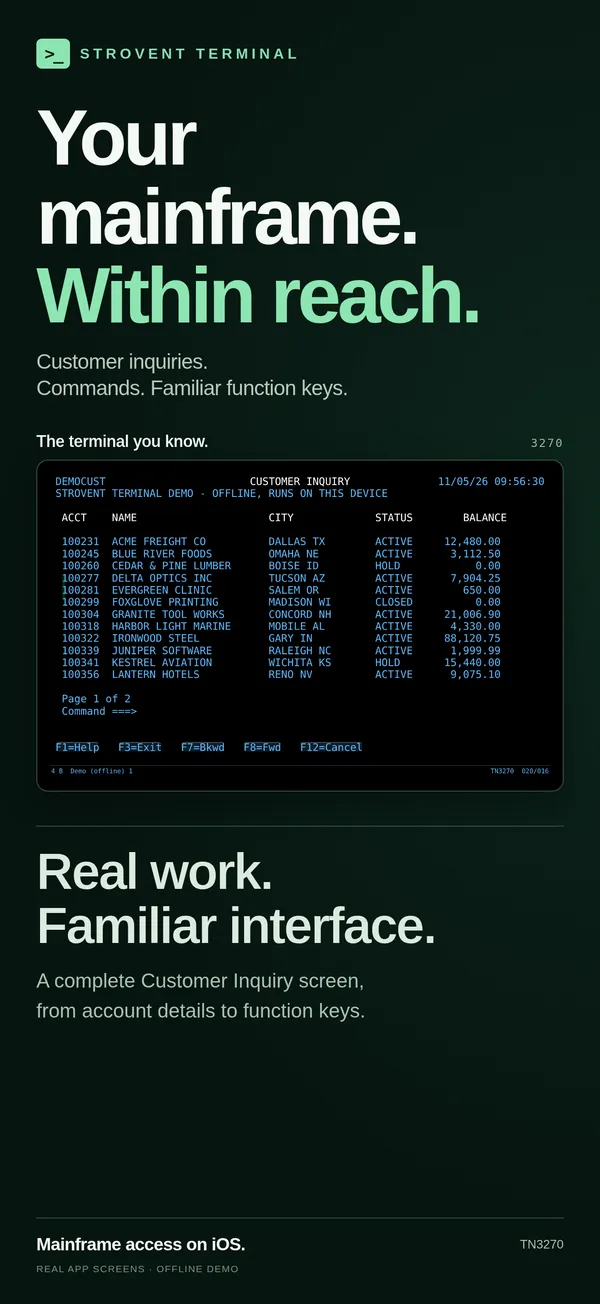
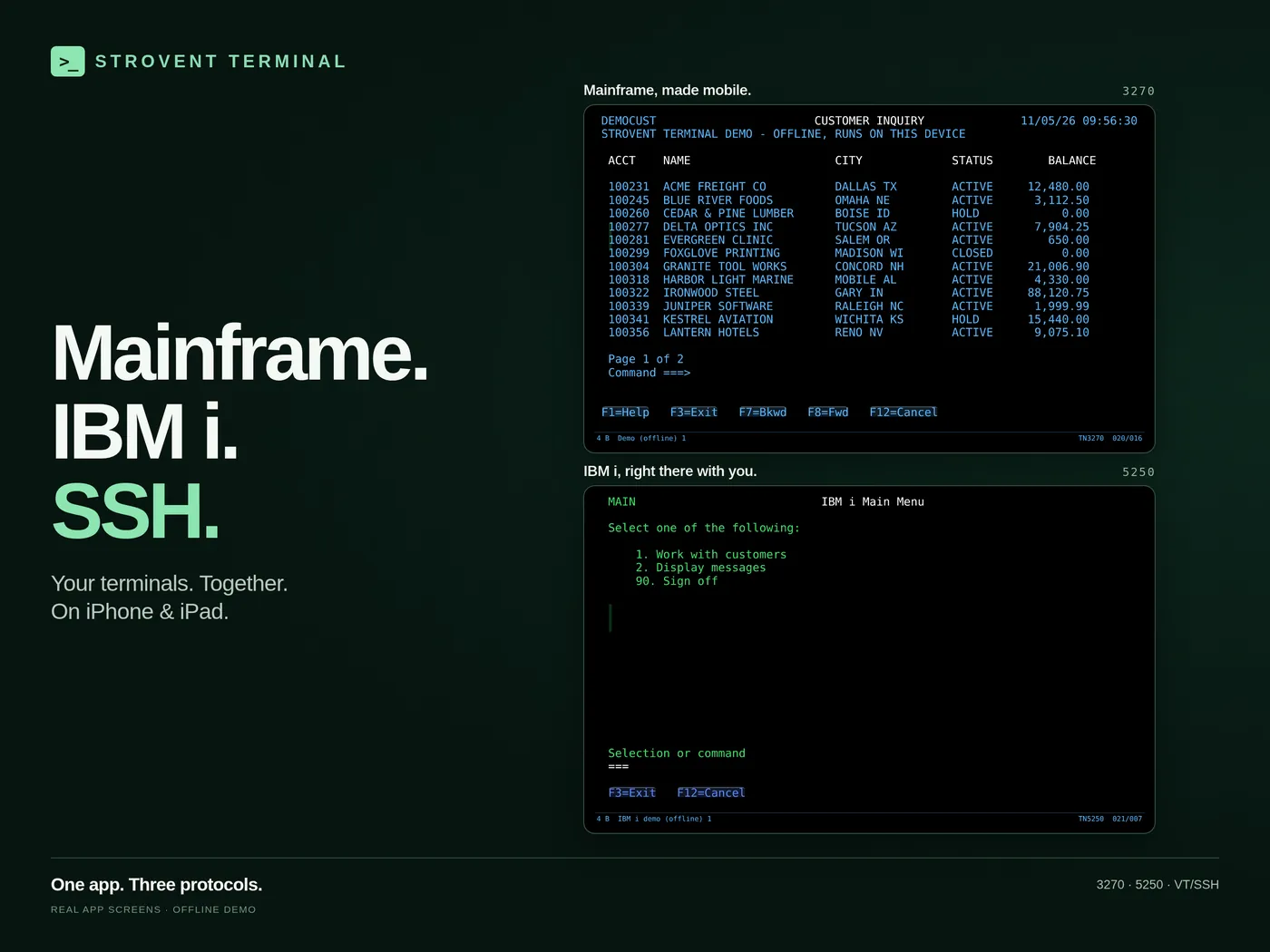
Customer Inquiry screen on a 3270 session in Strovent Terminal on iPad
IBM Z · 3270

The 3270 terminal you know

  • Hardware keyboard first. F1–F12 send PF1–PF12, Shift+F-keys send PF13–24, Esc resets. Remap any key.
  • On-screen keys. F1–F24, Enter, Reset, PA1–3, Clear and Field Exit above the keyboard, plus a movable key panel.
  • Tappable key labels. “F3=Exit” or “PF8=Fwd” on the host screen become buttons.
  • TLS and TN3270E. LU names, models 2–5 and many EBCDIC code pages.
  • Field-aware paste and VoiceOver support for fields, rows and status.
IBM i · 5250

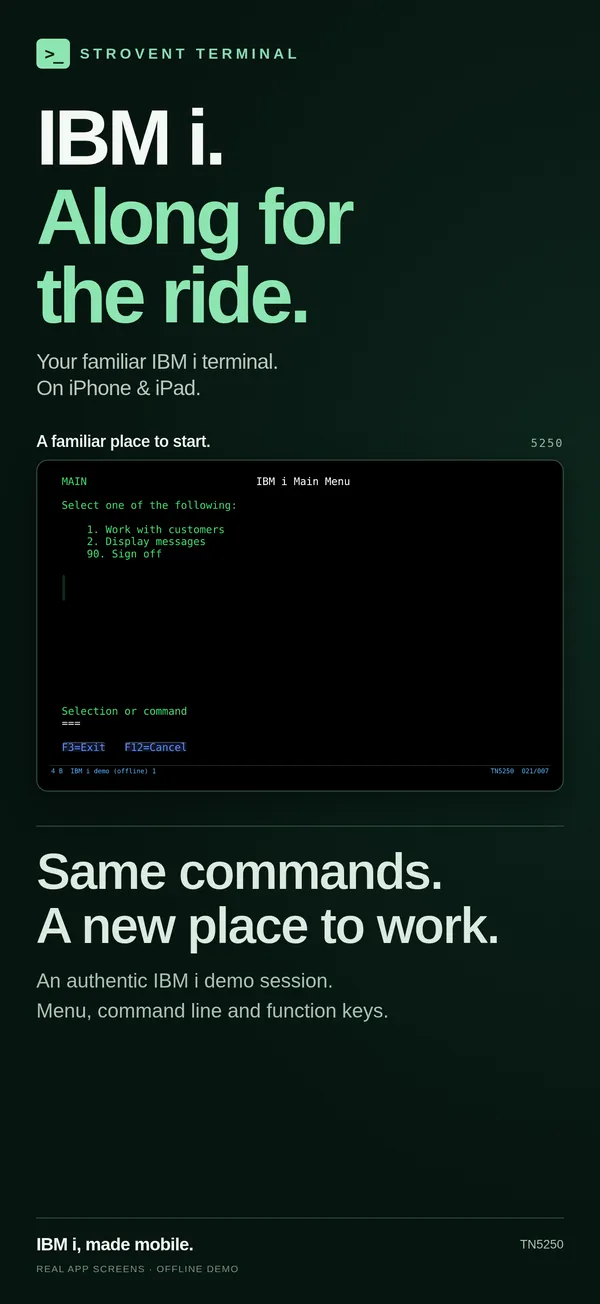
Your IBM i terminal, on the go

TN5250 and TN5250E at 24×80 and 27×132, with the menus, command line and function keys you already use. Scripts, multiple sessions and the same keyboard shortcuts as every other terminal in the app.

TN5250E printer sessions are included at no extra cost.
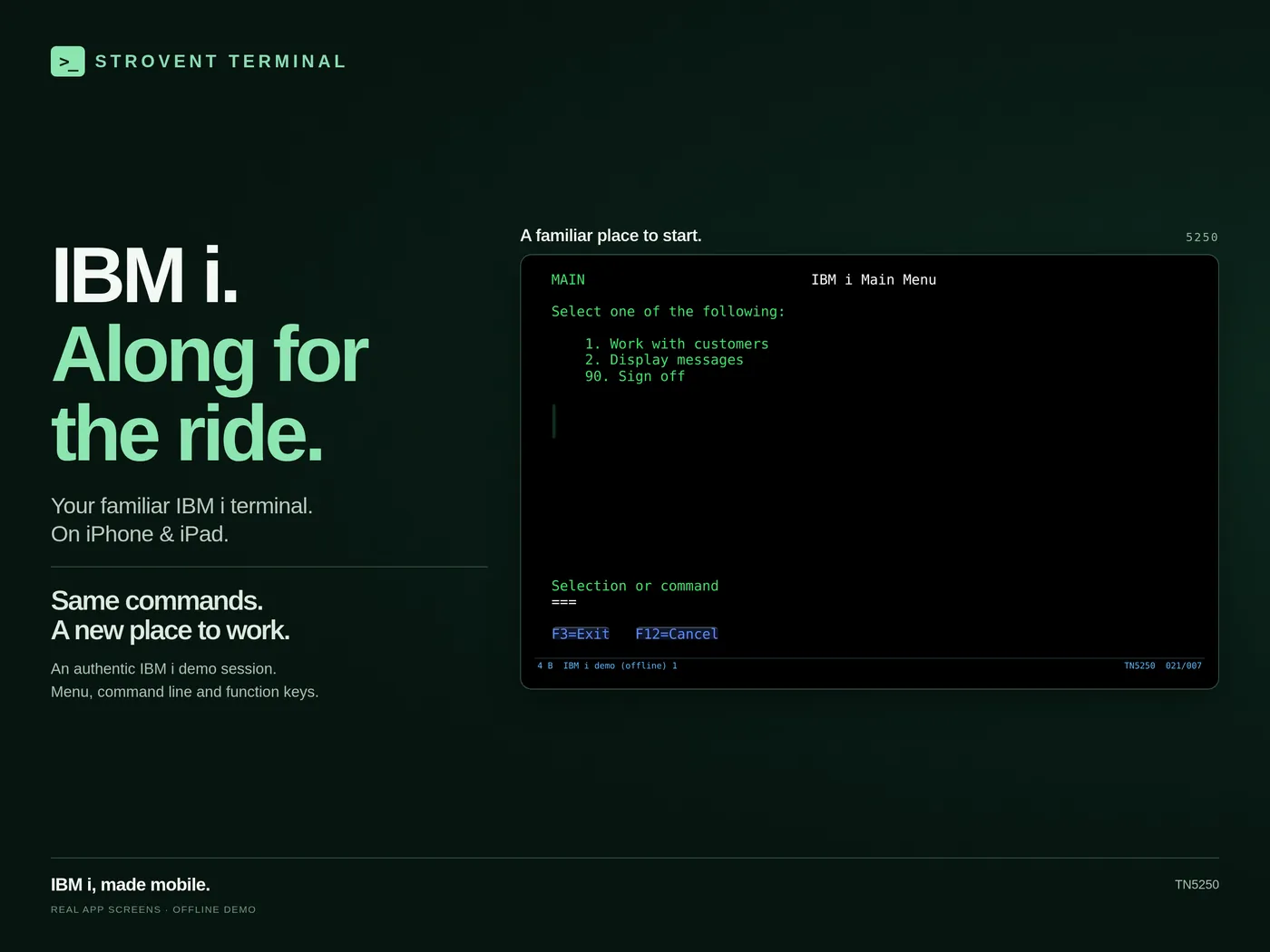
IBM i main menu on a 5250 session in Strovent Terminal on iPad
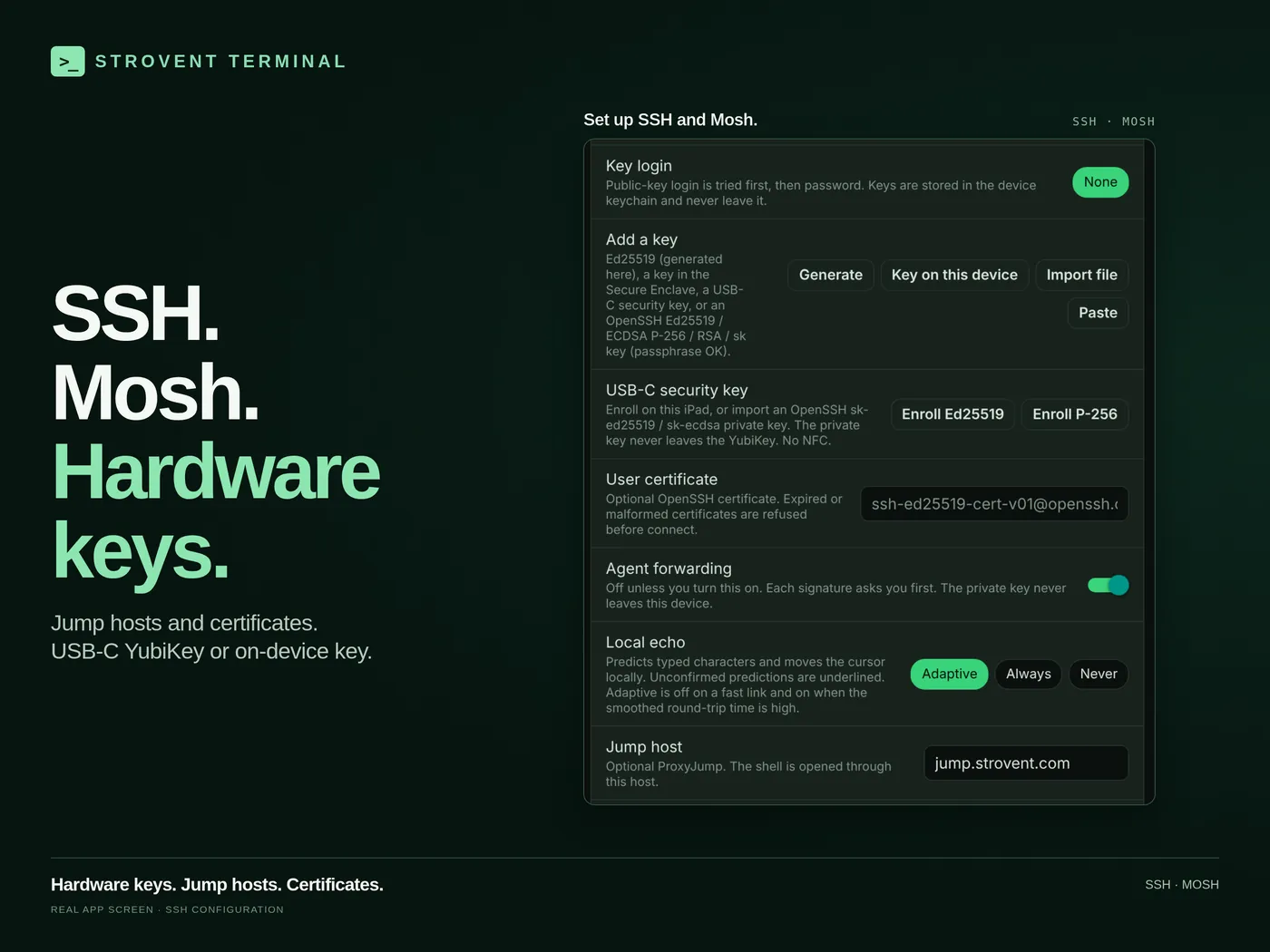
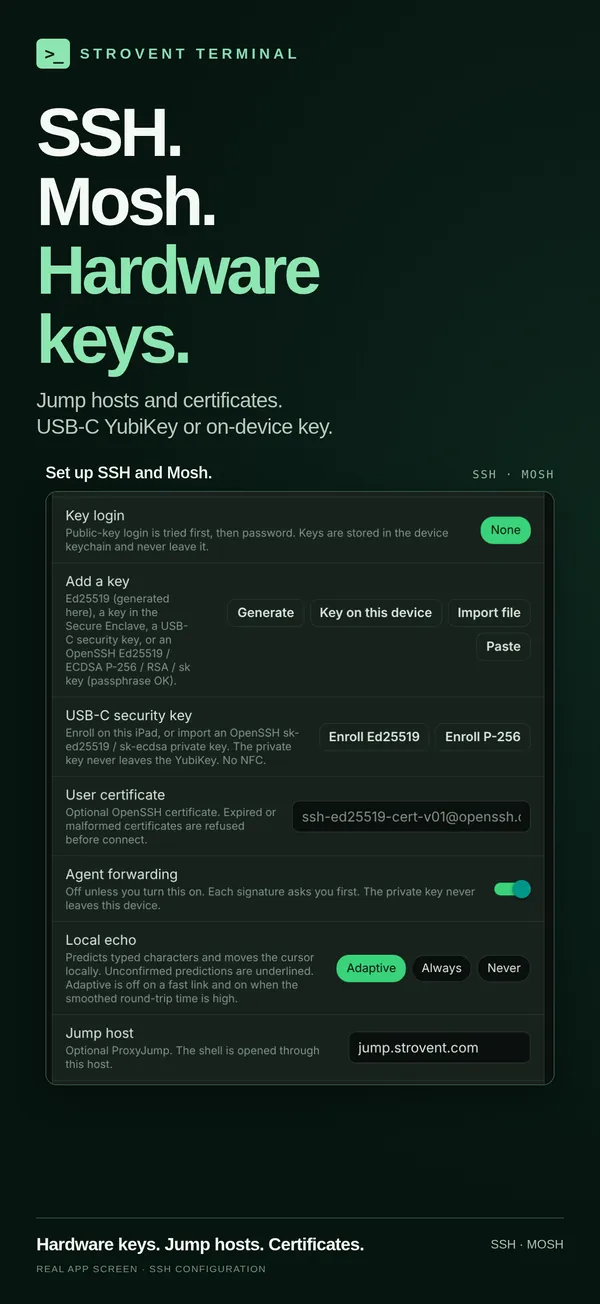
SSH and Mosh configuration screen in Strovent Terminal on iPad
Unix and Linux · SSH and VT

A serious SSH client

VT100, VT220 and xterm over SSH, Mosh or Telnet.
  • Keys that stay yours. Generate an Ed25519 key, or import Ed25519, ECDSA P-256 and RSA keys, including passphrase-protected OpenSSH keys.
  • Key on this device. A key held in the Secure Enclave that can never be exported.
  • USB-C security keys. Use a YubiKey or other FIDO2 key. The private key never leaves it. NFC is not used.
  • Mosh. Built for roaming and unreliable networks, with local echo that predicts what you type. Needs mosh-server on the host.
  • Jump hosts and certificates. ProxyJump and OpenSSH user certificates.
  • Agent forwarding. Off unless you turn it on, with a prompt before every signature.
  • Fuller xterm. 256 colors, truecolor, mouse support and the alternate screen for full-screen tools.
  • Sessions that come back. SSH and Mosh sessions pause in the background and reconnect when you return.
Printing and file transfer

Print it. Move it.

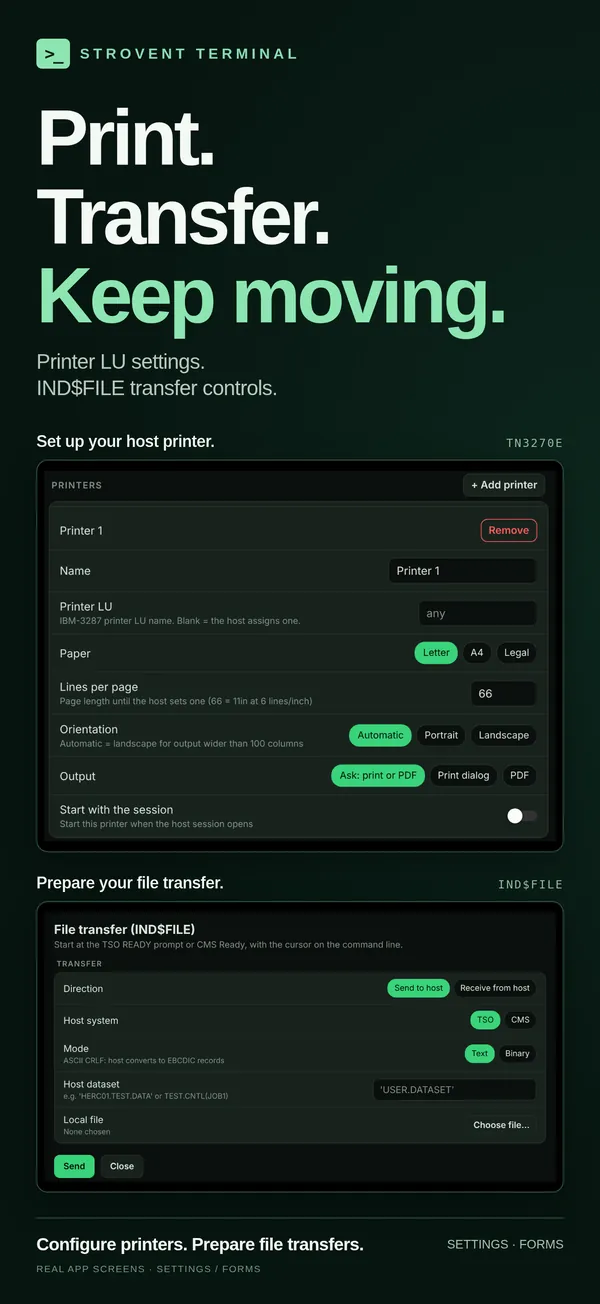
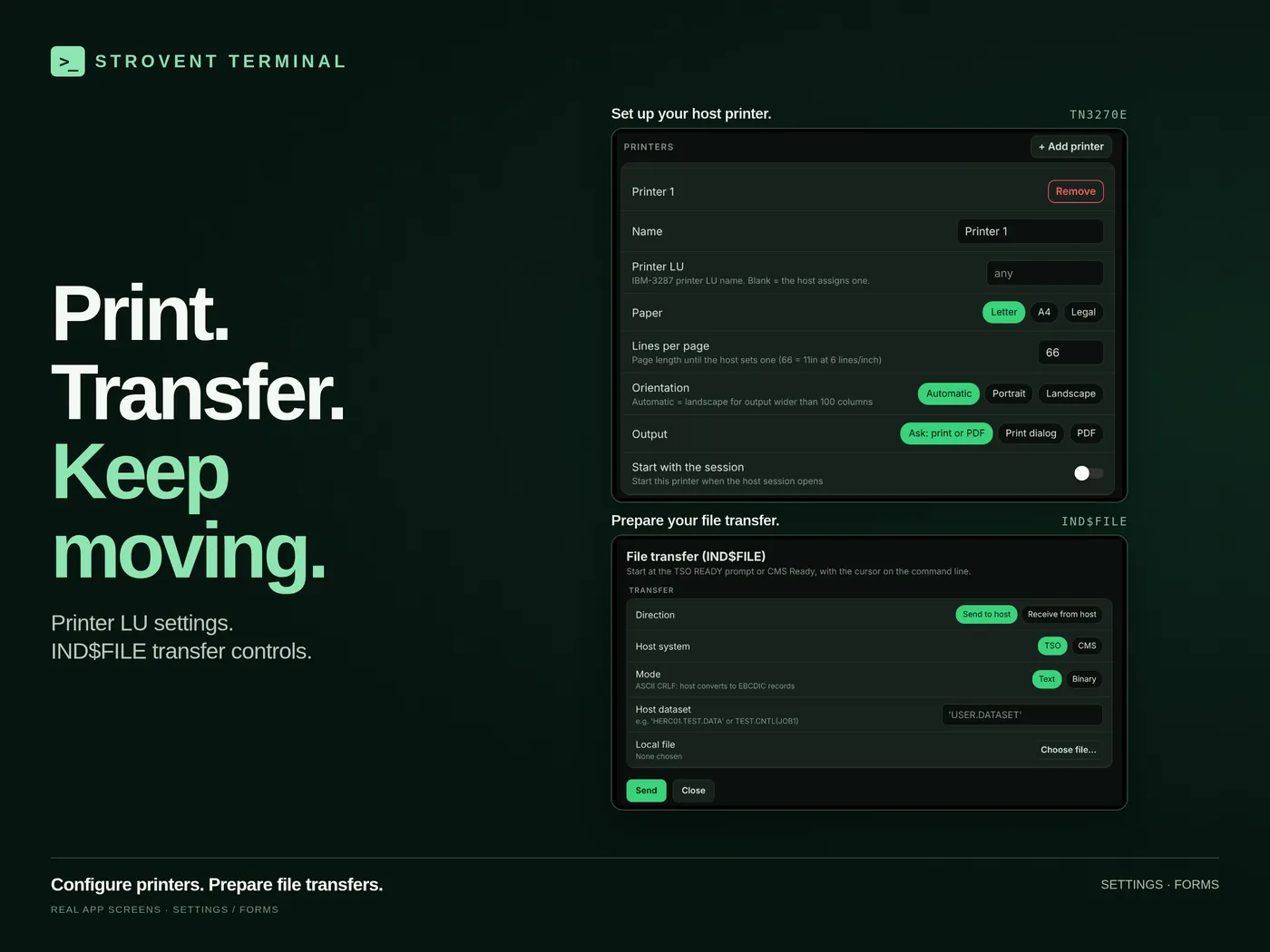
  • Host printing. TN3270E 3287 and TN5250E printer sessions, plus Print Screen for every terminal, to AirPrint or PDF.
  • File transfer. IND$FILE (TSO/CMS) for 3270 and SFTP for SSH hosts.
  • Included. Printing is part of your terminal subscription at no extra cost.
Printer settings and IND$FILE transfer form in Strovent Terminal on iPad
Workflow

Sessions, scripts and an offline demo

On iPhone

The same terminals, in your pocket

Strovent Terminal on iPhone: 3270 and 5250 sessions
3270 Customer Inquiry on iPhone
IBM i main menu on iPhone
SSH and Mosh setup on iPhone
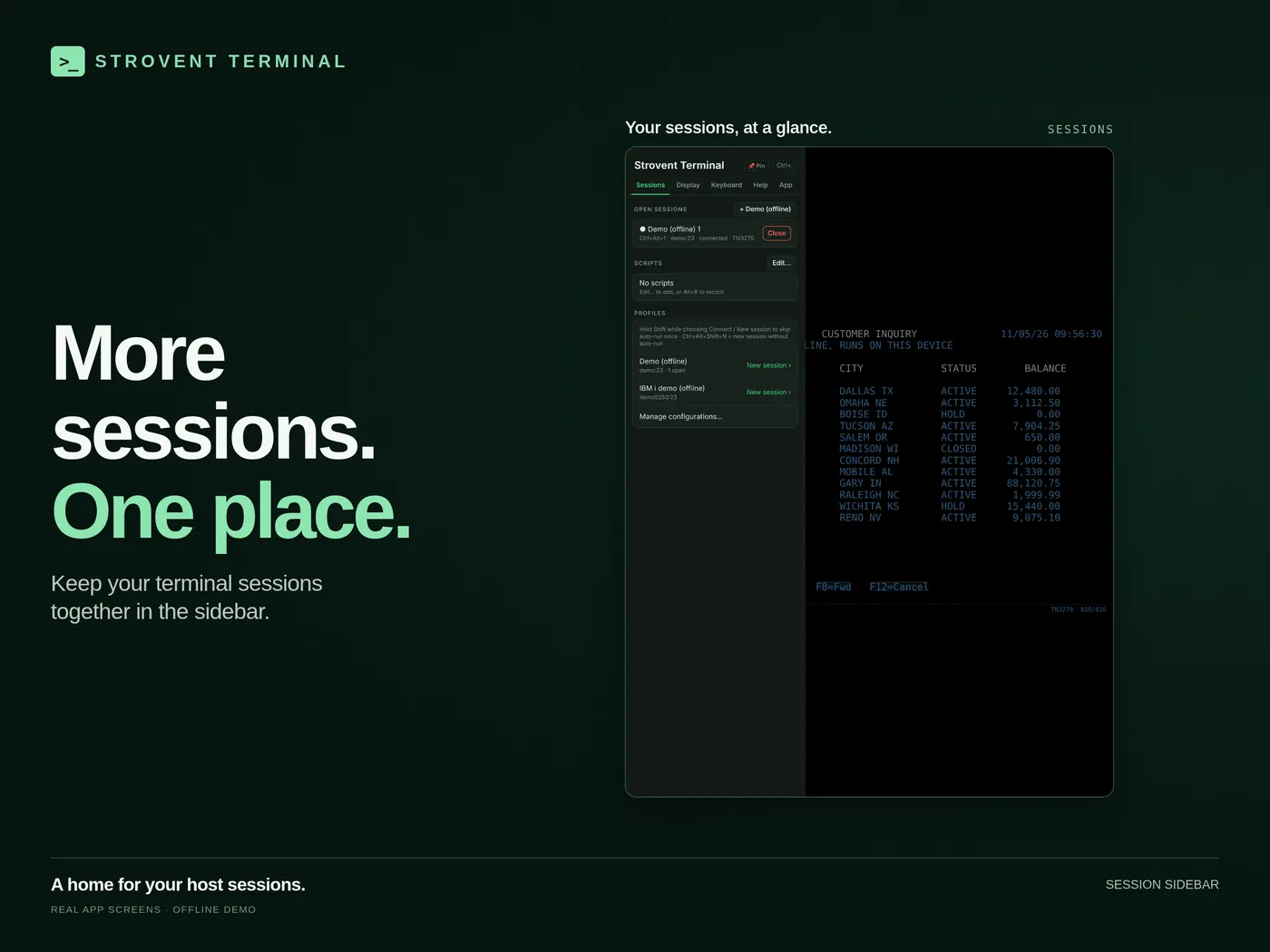
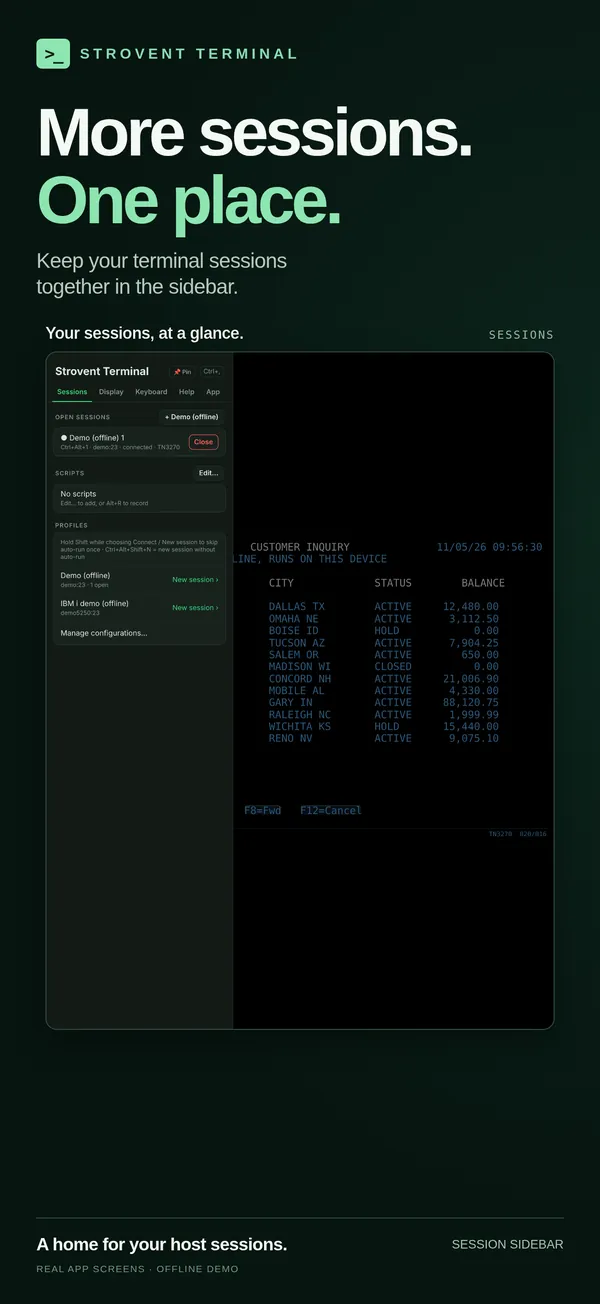
Session sidebar on iPhone
Printer and IND$FILE settings on iPhone
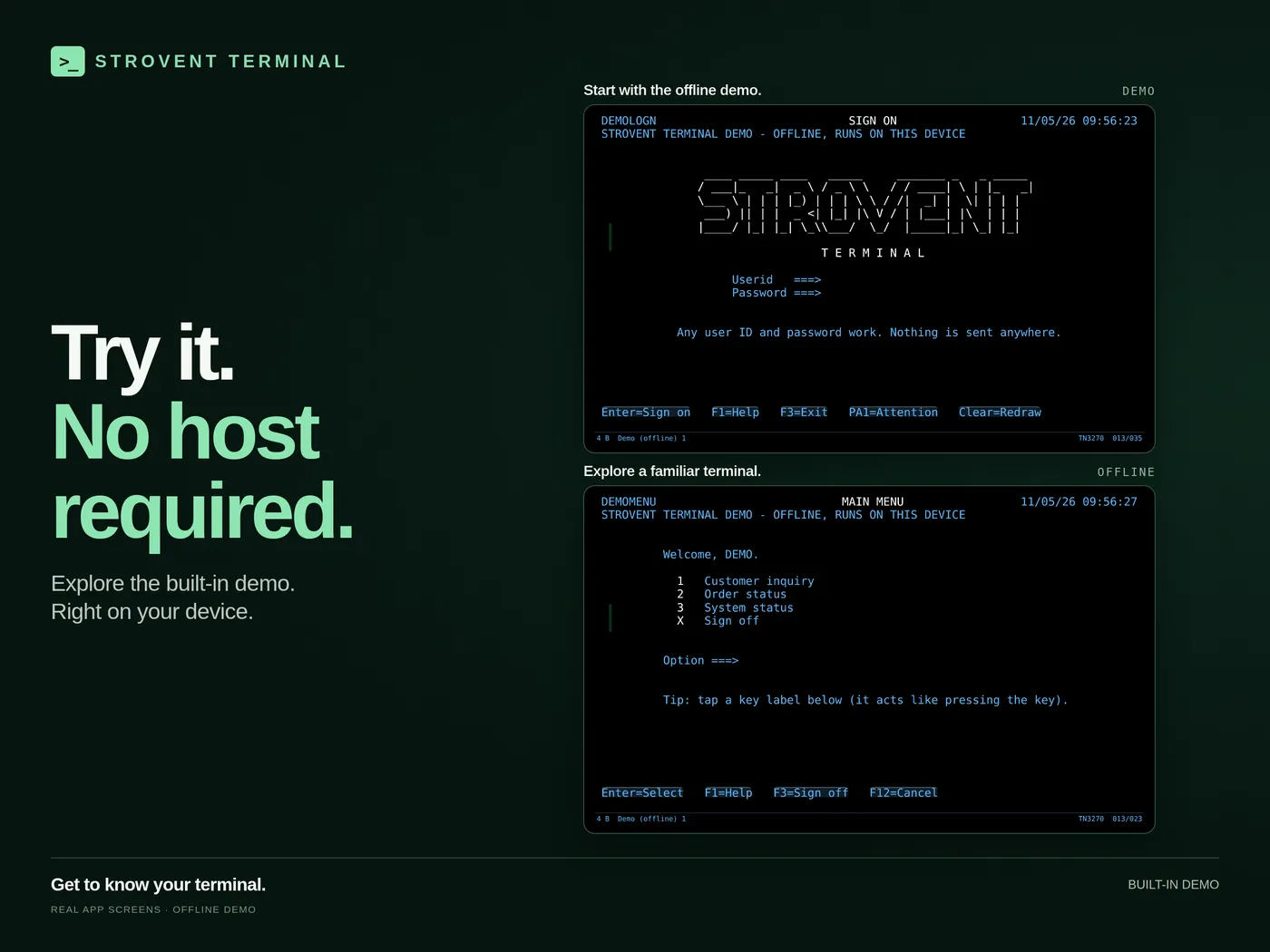
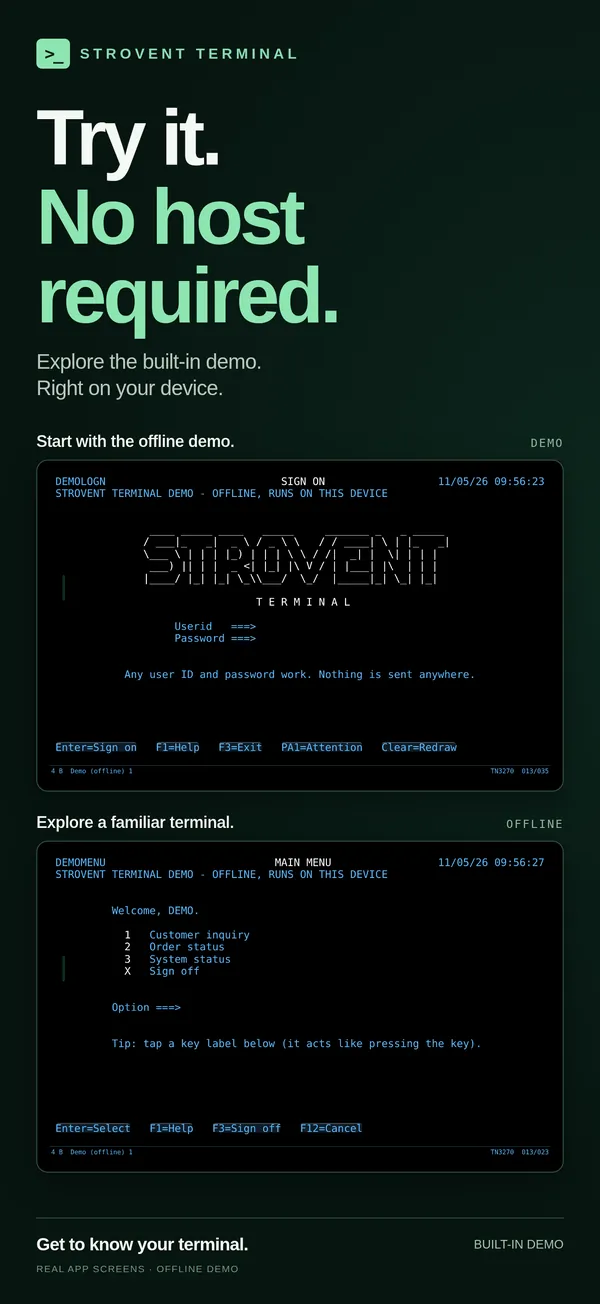
Offline demo on iPhone
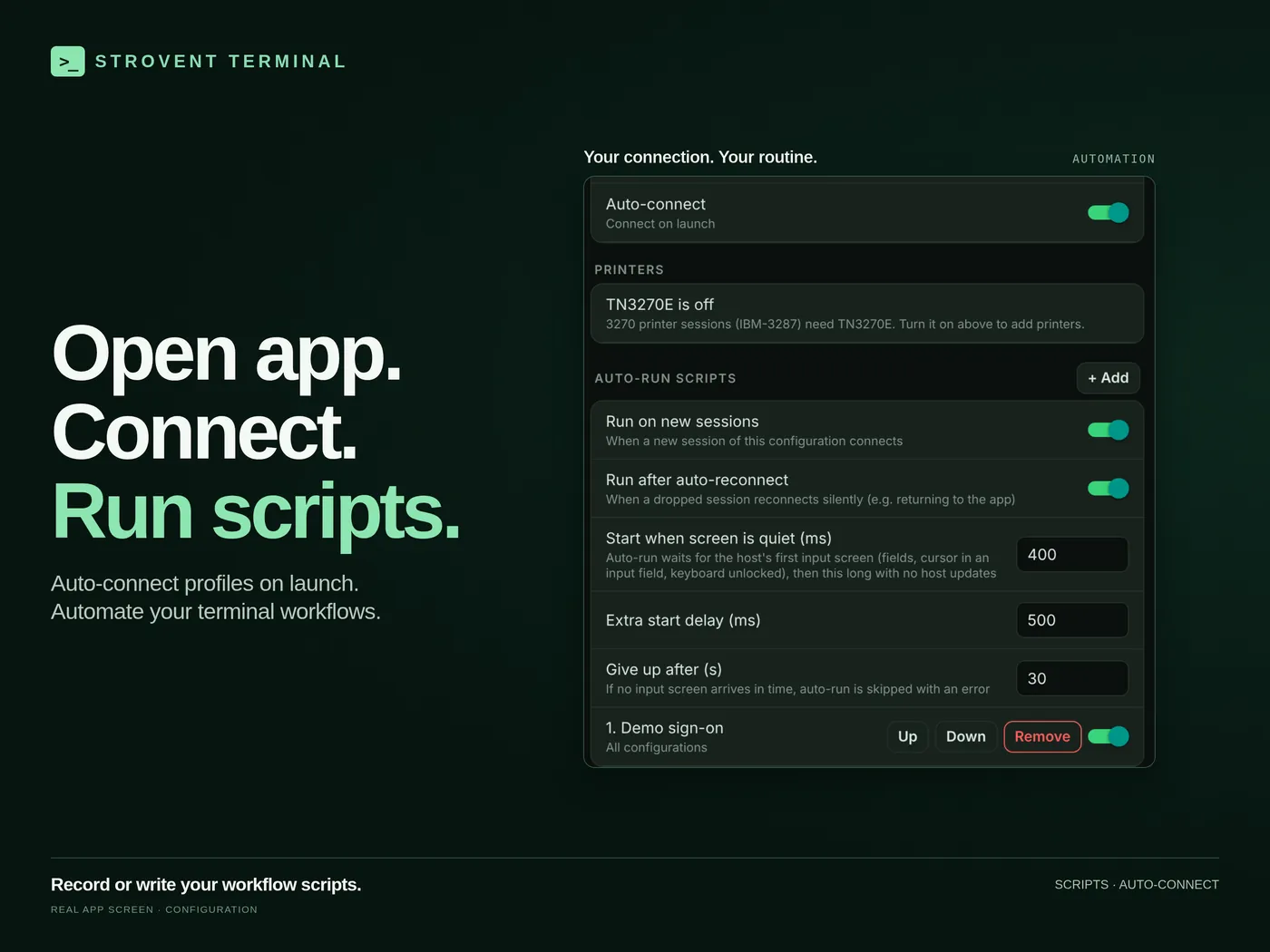
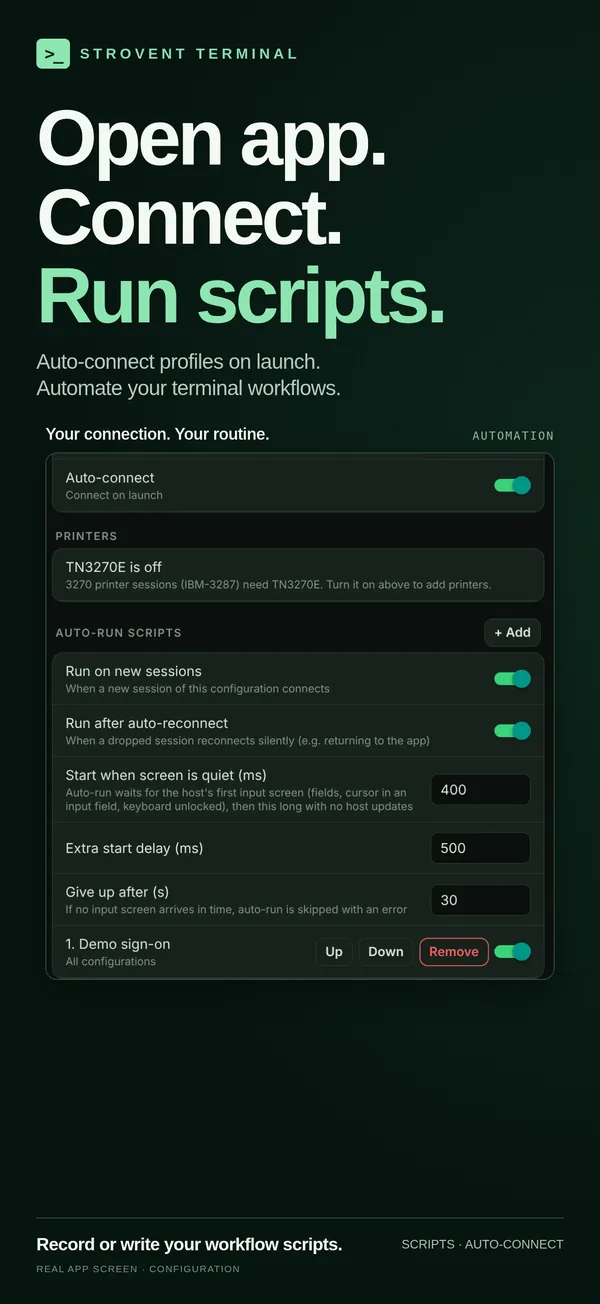
Auto-connect and scripts on iPhone
Pricing

Free to download, pay for the terminals you use

The app is free and includes the offline demo. Connecting to your own hosts needs one of these.

3270 Terminal

$19.99 / year

Includes VT and 3270 printing.

5250 Terminal

$19.99 / year

Includes VT and 5250 printing.

VT Terminal

$14.99 / year

VT100 and VT220 with SSH, Mosh and Telnet.

All Terminals

$34.99 / year

Every terminal, including ones added later.

Prices are in USD and vary by country. There is no free trial. Subscriptions renew automatically through your Apple Account and Family Sharing is supported. See the Terms of Use. Deploying to a team? See Enterprise.

Deploying to a team?

Strovent Terminal Enterprise adds company sign-in, central management and per-seat licensing.